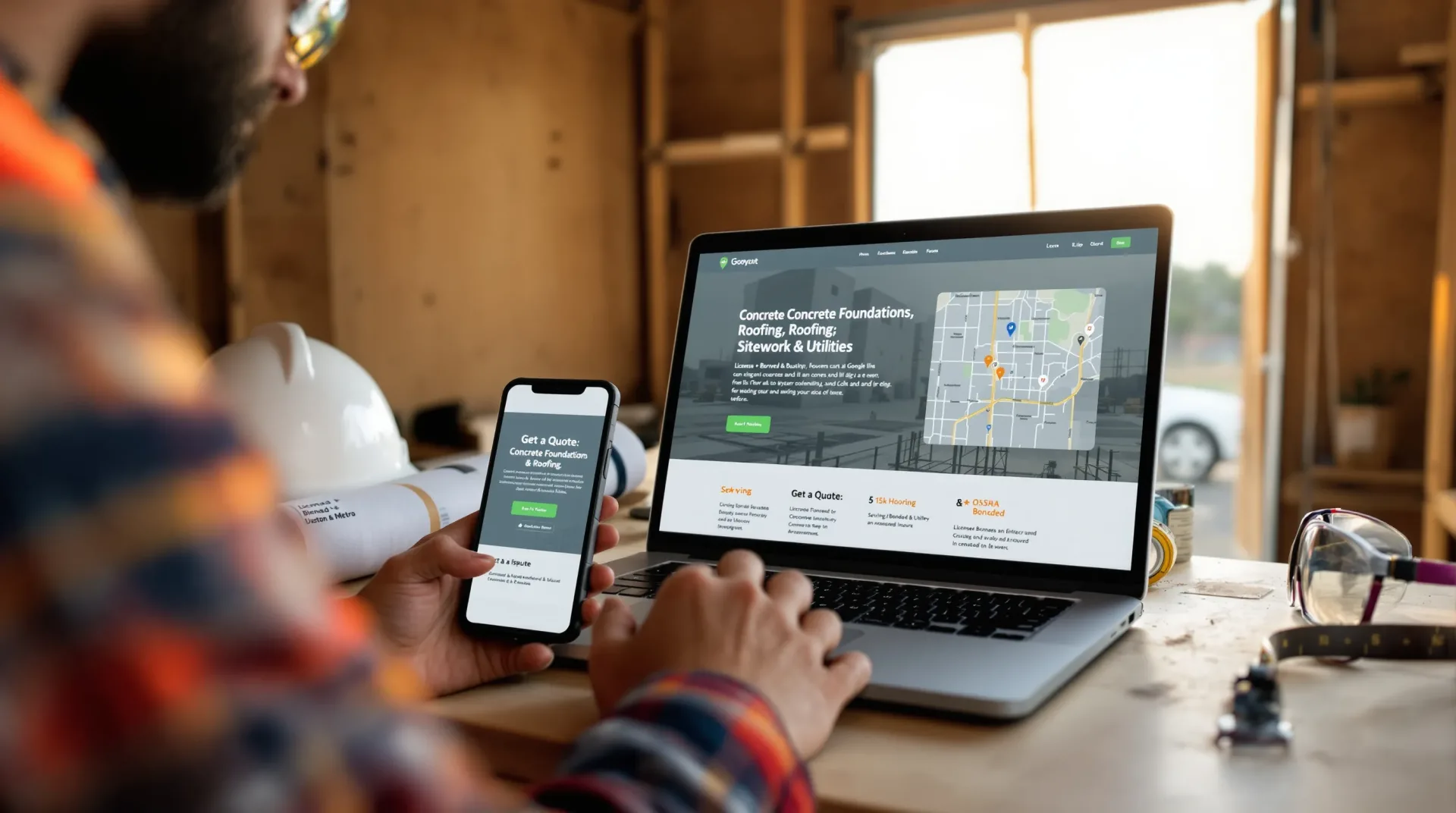
If your construction website design looks good but doesn’t fill the calendar, it’s not working hard enough. Today’s buyers swipe through options on their phones, skim for proof you’re legit, and expect an easy path to request a quote. The upside? With the right structure, visuals, and local SEO, your site can consistently attract qualified leads and convert them into booked projects. Below, we’ll walk through exactly how to design a construction website that’s fast, credible, and built to sell, without feeling salesy.
Key Takeaways
- Build mobile-first, fast-loading pages with clear, repeated CTAs and scannable sections to keep visitors engaged and converting.
- Make services, service areas, and project types obvious, and organize core pages—Home, Services, Industries, Locations, About, Contact—for intuitive navigation.
- Showcase trust with a credibility stack of portfolio results, testimonials, licenses/insurance, safety metrics, and affiliations positioned near forms and CTAs.
- Publish optimized service and location pages with localized content, consistent NAP, schema markup, and an active Google Business Profile to win local SEO and Map Pack visibility.
- Use conversion-focused tools—short forms, social proof, online estimators, self-serve scheduling, and chat—to turn traffic into qualified leads.
- Keep your construction website design fast, accessible, and measurable with solid hosting, Core Web Vitals monitoring, analytics, call tracking, and CRM-driven follow-ups.
What Buyers Expect From A Construction Website Today
Mobile-First, Fast, And Easy To Navigate
Most prospects meet you on their phones, often between jobsite visits or during an evening search sprint. If pages load slowly or menus are confusing, they’ll bounce. Prioritize speed (compressed images, minimal scripts) and a clean, thumb-friendly menu. Keep CTAs visible, “Get a Quote,“ “Schedule a Walkthrough,“ or “Request Bid Docs“, and repeat them throughout.
Practical tips:
- Keep hero sections light: strong headline, short subhead, single action.
- Use scannable sections: services grid, service areas map, project highlights.
- Make phone and email tap-to-contact. No one wants to copy/paste on mobile.
Clear Services, Service Areas, And Project Types
Buyers don’t read: they hunt. Make it obvious what you do and where you do it. Spell out trades (e.g., commercial concrete, steel erection, tenant build-outs), delivery models (design-build, GC, specialty subcontracting), and typical project sizes. Add a service areas strip with cities, counties, or regions. It helps humans and it helps local SEO.
Proof Of Quality: Portfolio, Reviews, Licenses, And Safety
Construction is trust-heavy. Publish proof:
- Project portfolio with before/after images, scope, schedule, and outcomes.
- Testimonials and star ratings (embed sources when you can).
- Licenses, insurance, bonding, OSHA stats, EMR, and safety awards.
- Affiliations (AGC, ABC, NAHB), plus vendor and manufacturer certifications.
A tight credibility stack reduces friction and speeds up shortlists.
Site Architecture That Works For Construction Firms
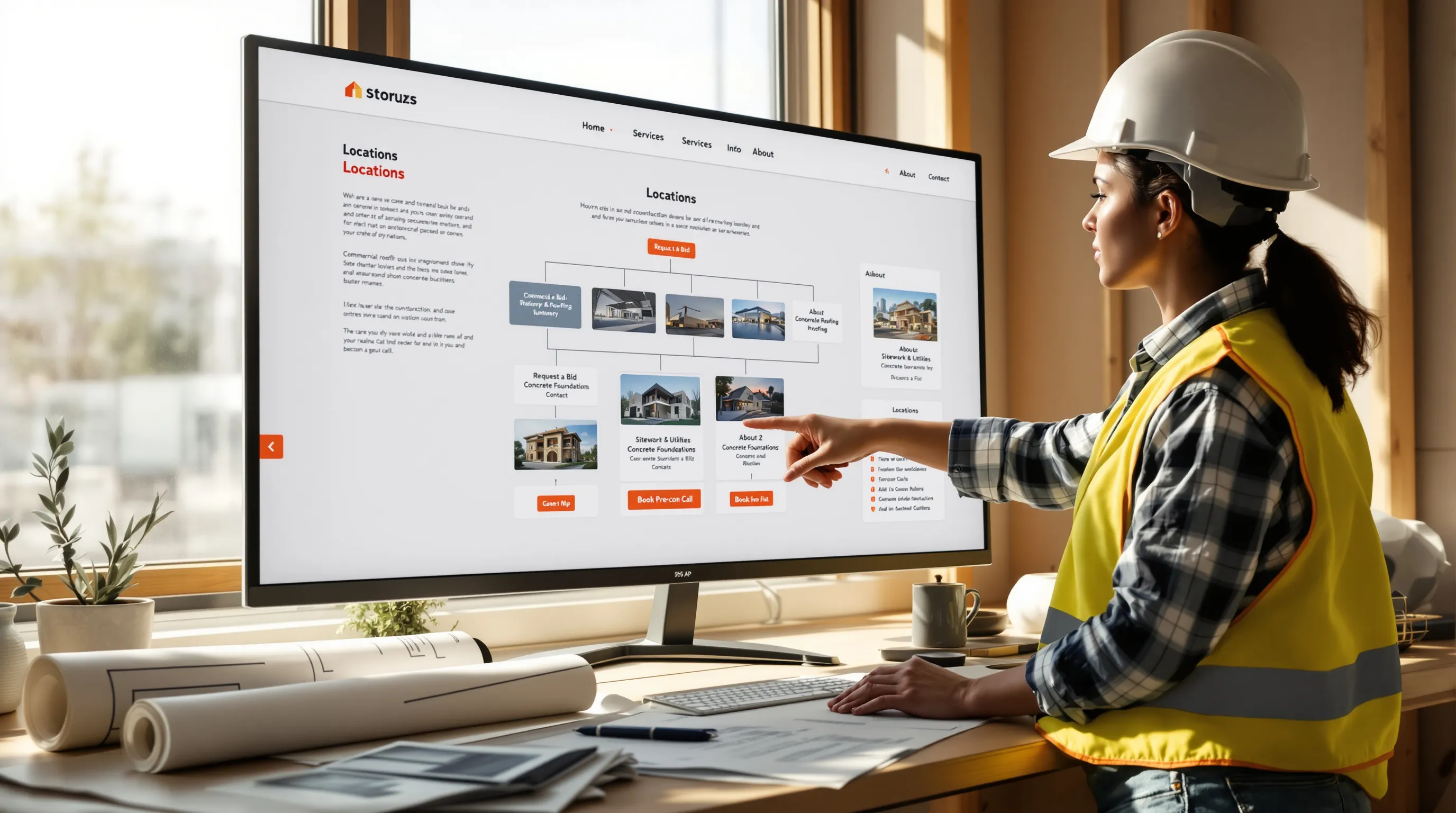
Core Pages: Home, Services, Industries, Locations, About, Contact
Your architecture should feel like a well-organized job trailer. At minimum:
- Home: Value proposition, key services, featured projects, quick CTAs.
- Services: Overview hub linking to individual service/trade pages.
- Industries: Market expertise (healthcare, industrial, education, multifamily, municipal, retail).
- Locations: Regions you serve: a hub page linking to detailed location pages.
- About: Leadership, team, safety culture, equipment/fleet capabilities.
- Contact: Multiple options, form, phone, email, office locations, and hours.
Service And Trade Pages With Project Examples And CTAs
Each service deserves its own page. Think “Commercial Roofing,“ “Sitework & Utilities,“ “Concrete Foundations,“ etc. Include:
- A short summary of scope and differentiators (equipment, methods, warranties).
- 2–4 relevant project examples with photos and quick stats.
- Clear next step: “Request a Bid,“ “Book Precon Call,“ or “Send Plans.”
These pages are your sales reps in search results. When you design construction website pages this way, they rank better and convert better.
Location Pages To Win Local And Regional Searches
Create unique pages for key cities/metros with:
- Localized intro copy and project spotlights from that area.
- NAP (Name, Address, Phone) consistency, embedded Google Map, service radius.
- Local CTAs: “Serving Houston Metro,“ “48-hour site visit,“ etc.
This is the backbone of local/regional SEO and Map Pack visibility.
Design Principles That Build Trust And Differentiate
Visual Hierarchy, Strong Imagery, And Before/After Content
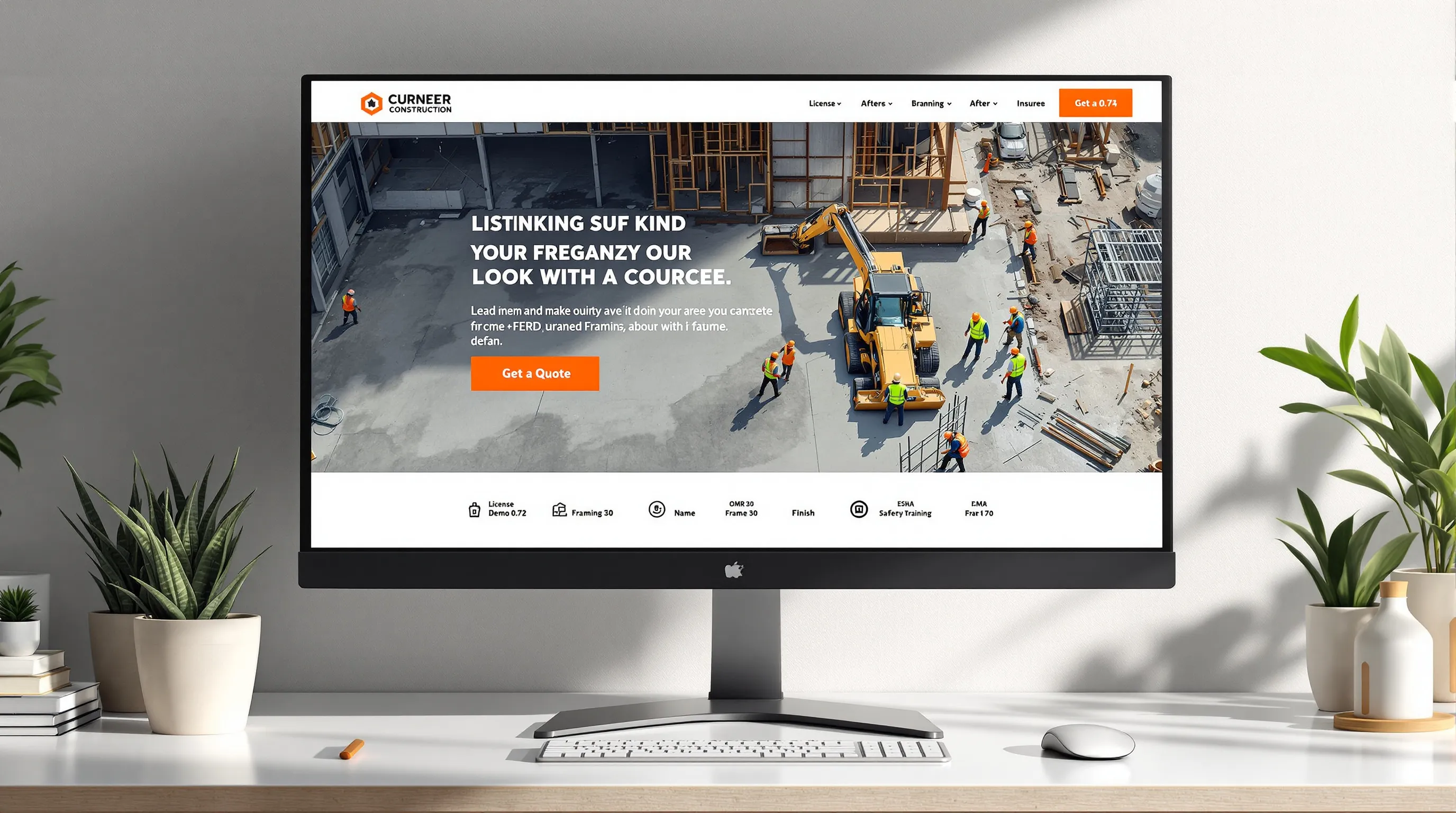
Construction buyers are visual. Use bold, high-contrast headlines, clean grids, and large images that load quickly. Before/after sliders, drone shots, and sequencing galleries (demo → framing → finish) help visitors understand the craft. Keep color palette minimal with one strong accent color for CTAs.
Credibility Blocks: Certifications, Insurance, Safety, And Affiliations
Build a repeatable credibility strip that appears site-wide:
- “Licensed • Bonded • Insured”
- EMR and safety KPIs
- OSHA certifications, safety training badges
- Industry associations (with logos) and supplier/manufacturer certifications
Placing this near CTAs reassures nervous buyers right when they’re ready to contact you.
How To Design A Construction Website That Converts
A conversion-ready layout usually includes:
- Clear positioning: what you do, who you serve, the problems you solve.
- Obvious actions: primary CTA (quote/schedule) and secondary (download spec sheet, view case study).
- Social proof adjacent to forms: testimonials, badges, or trust seals.
- Short forms first: longer forms after interest signals (e.g., on the quote page).
- Sticky header or footer with call button on mobile.
Small detail, big impact: show response time expectations (“We reply within 1 business day“) to reduce form anxiety.
Local SEO And Search Visibility For Construction

Keyword Themes, On-Page Basics, And Schema Markup
Group keywords by intent: service + city (“concrete contractor Houston“), market + service (“healthcare fit-out contractor“), and problem-based (“parking lot drainage repair“). Optimize titles, H1s, meta descriptions, and image alt text. Add schema markup (LocalBusiness/Contractor, Service, FAQ) to boost context for search engines and eligibility for rich results.
Google Business Profile, Map Pack, And NAP Consistency
Claim and optimize your Google Business Profile. Fill every field, add categories/subcategories, services, service areas, and updates. Keep NAP consistent across your site, directories, and social profiles. Regularly post project photos and updates to improve engagement signals that influence Map Pack ranking.
Reviews, Project Photos, And Local Link Building
Ask for reviews after milestones or close-out. Include a simple QR code card for field teams. Post authentic project photos (crew on-site, progress shots, finished results). Earn local links from chambers of commerce, trade associations, suppliers, and community sponsorships. These signals compound authority over time.
Content, Portfolio, And Conversion Tools That Win Jobs
Project Case Studies, Cost Guides, And Process Pages
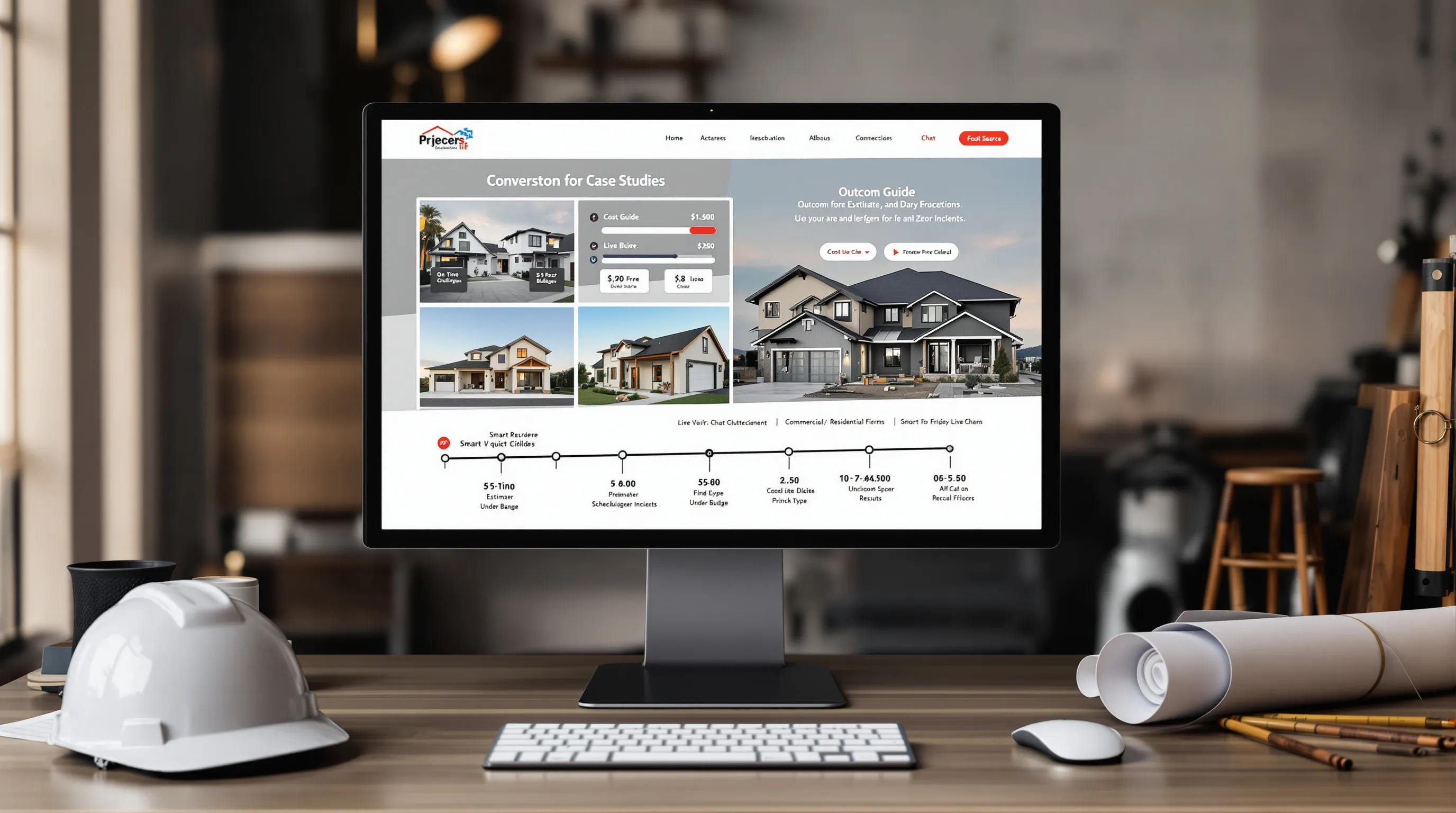
Strong case studies include baseline conditions, scope, timeline, challenges, and measurable outcomes (on-time, under budget, safety record). Pair them with cost guides, transparent ranges by project type and factors that drive price. A clear process page (precon → estimate → scheduling → execution → punch list) sets expectations and reduces back-and-forth.
Online Estimators, Quote Forms, Scheduling, And Chat
Interactive tools lift conversions:
- Simple estimators or calculators (materials, square footage, roof type).
- Quote forms with smart logic (commercial vs. residential fields).
- Self-serve scheduling for site visits.
- Chat or text-to-quote for quick questions.
Automate confirmations and reminders so prospects know what happens next.
Resource Hub And Blog For Evergreen Traffic
Publish high-value evergreen content: “Asphalt vs. Concrete: Lifecycle Costs,“ “What GC’s Expect From Subcontractors,“ “Permitting Checklist by City.“ Add FAQs, spec sheets, and checklists. This content wins long-tail searches, feeds your email list, and positions you as a helpful expert, not just another bidder.
Operations: Speed, Accessibility, Security, And Reporting
Performance And Core Web Vitals On Solid Hosting
Fast sites win more bids. Choose managed hosting, enable caching/CDN, compress images, and avoid heavy animation. Monitor Core Web Vitals (LCP, CLS, INP). Aim for sub-2.5s LCP on key pages even with large images.
Accessibility And Regulatory Compliance
Use legible fonts, sufficient color contrast, keyboard navigation, and alt text for images. Provide captions for video walk-throughs. Accessibility isn’t just compliance, it’s usability, which helps everyone, including search engines.
Analytics, Call Tracking, And CRM Automation
Install privacy-friendly analytics, form tracking, and call tracking with source attribution. Pipe leads into a CRM, tag by service/location, and trigger automated follow-ups: confirmation emails, next-step checklists, and reminders. Build a dashboard: traffic, rankings, Map Pack visibility, calls/appointments, close rates. That’s how you improve month over month.
Conclusion
The best construction website design doesn’t try to be clever, it works. Clear services and locations, persuasive proof, fast performance, and conversion tools that respect buyers’ time. Do that, and you’ll attract the right projects and reduce tire-kickers.
If you want a partner who’s built high-performing sites for construction and related trades, Big Splash Web Design & Marketing in Houston can help, from strategy and UX to local SEO, hosting, and automation. Request your free audit at https://bigsplashwebdesign.com and let’s build a site that wins work consistently.
Construction Website Design FAQs
What should a high-converting construction website design include?
Lead-focused construction website design puts CTAs front and center (Get a Quote, Schedule a Walkthrough), uses short forms, adds social proof near forms, and clarifies next steps. Include clear services, service areas, recent projects, and mobile-first navigation. Set response-time expectations to reduce friction and capture more qualified inquiries.
How should I structure services and location pages for better local SEO?
Create a services hub linking to dedicated trade pages with summaries, differentiators, and 2–4 project examples plus clear CTAs. Build a locations hub with unique city pages, localized copy, NAP consistency, and embedded maps. Optimize titles, H1s, alt text, and add LocalBusiness/Service schema to improve Map Pack visibility.
What credibility elements help construction firms win trust online?
Show proof: a project portfolio with before/after images and outcomes, embedded reviews, licenses, insurance, bonding, safety KPIs (EMR, OSHA), and associations or manufacturer certifications. Place a concise credibility strip near CTAs site-wide so buyers feel confident when requesting bids or scheduling site visits.
How much does construction website design cost and what drives price?
Budgets typically range from $5,000–$30,000+ depending on scope: custom UX, number of service/location pages, copywriting, photography, integrations (CRM, scheduling, chat), and performance/accessibility work. Ongoing costs include hosting, maintenance, and SEO. Smaller specialty contractors may start lower; multi-market GCs with complex content sit higher.
How can I improve mobile speed and usability on a construction site?
Compress and properly size images, use caching/CDN, minimize scripts, and avoid heavy animation. Keep headers light with a clear value prop and one action. Use thumb-friendly menus, sticky call buttons, tap-to-call/email, and scannable sections (services grid, service-area map). Monitor Core Web Vitals and aim for sub‑2.5s LCP.